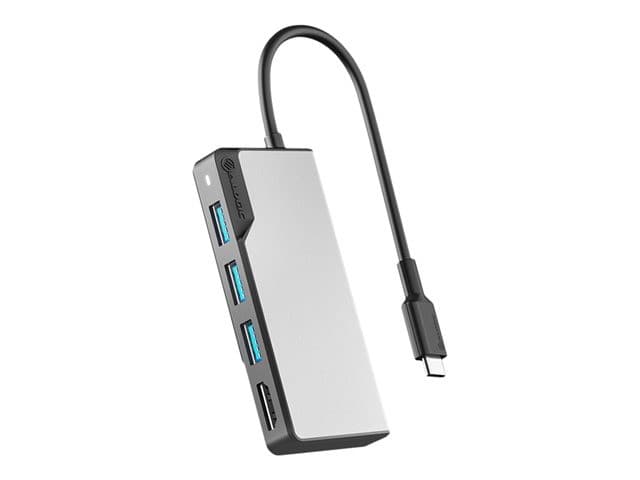
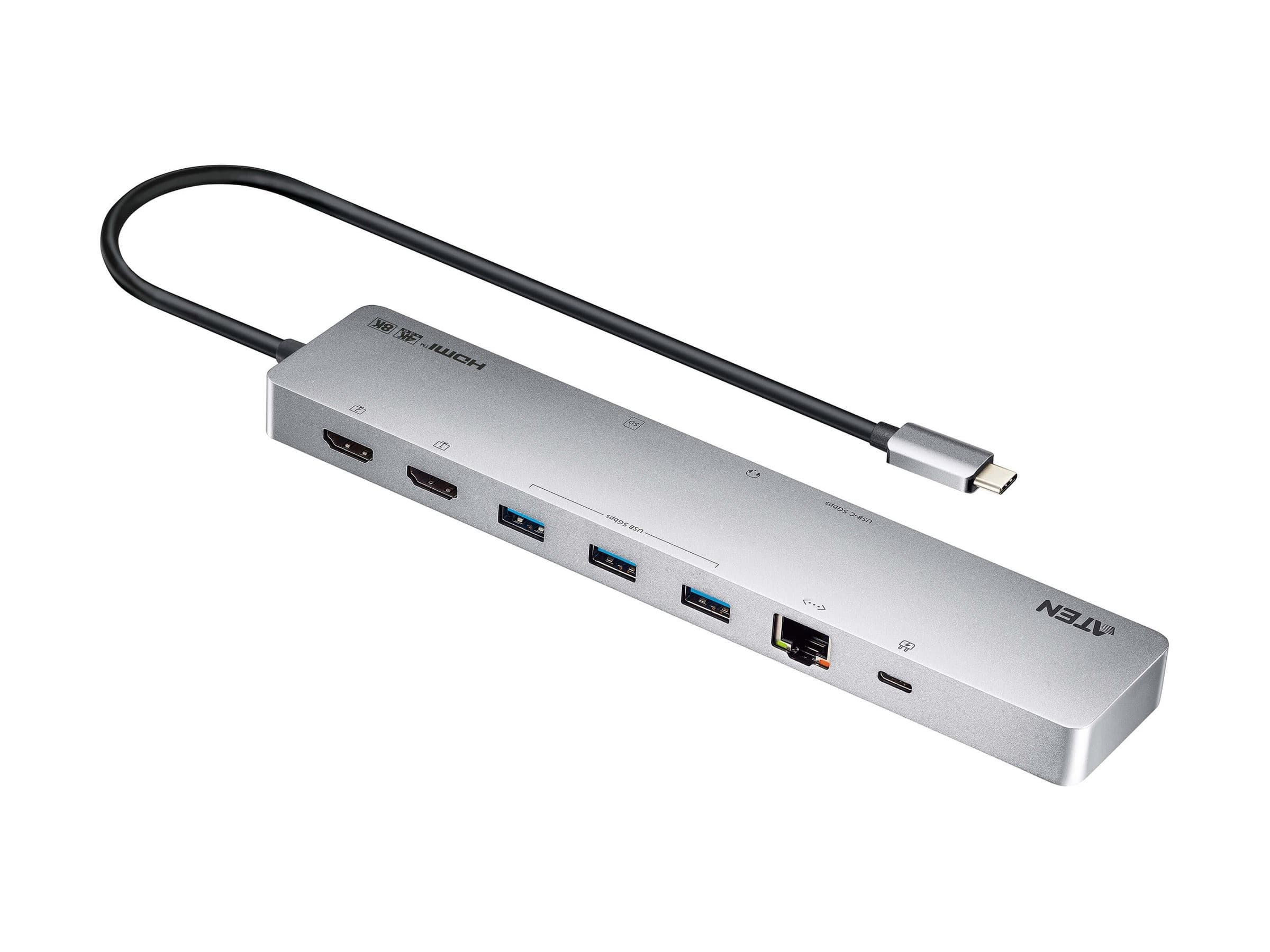
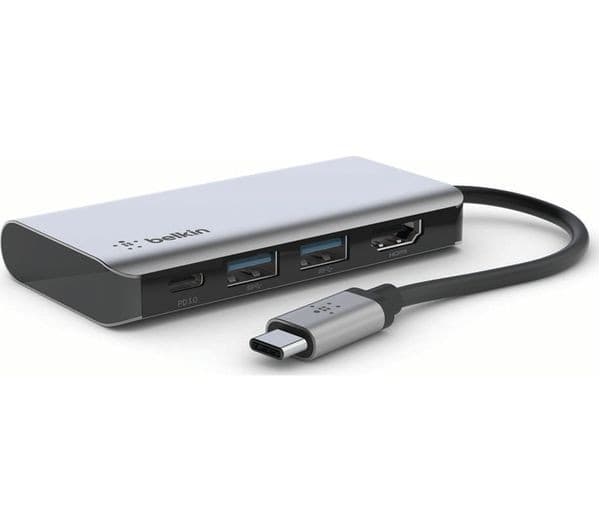
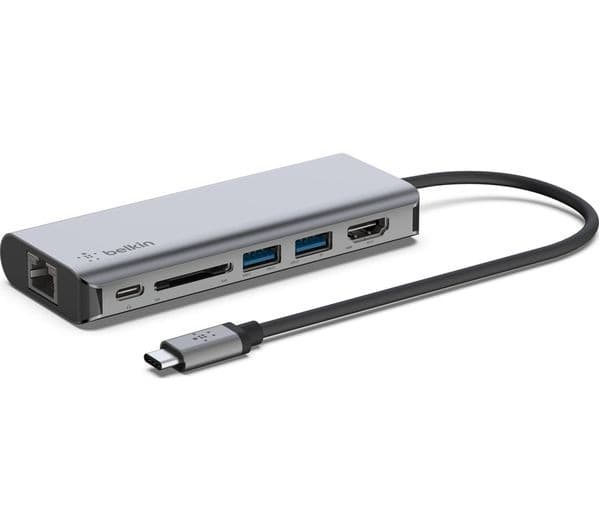
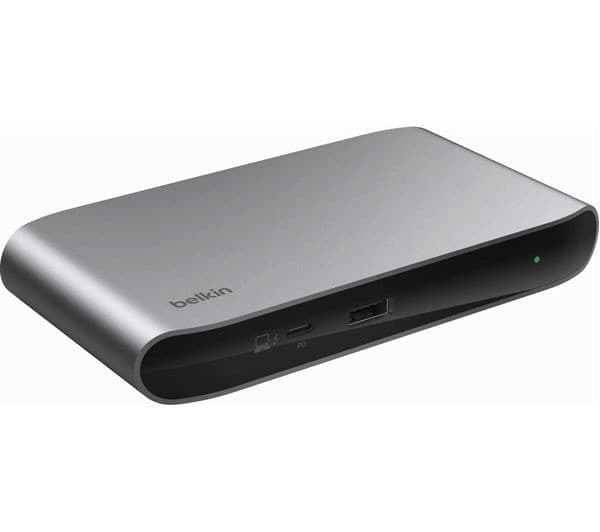
Turn your USB4 laptop into a multi-monitor high-resolution workstation with 6 USB ports, 2.5 Gigabit Ethernet and 100W Laptop Charging<br/><br/>This USB4 (USB-C 40Gbps) docking station uses a single USB4 or Thunderbolt port on a host computer to add high-performance connectivity while charging the laptop.<br/><br/>Flexible High-Performance Video<br/><br/>The dock is equipped with 2x HDMI 2.1 video outputs for connecting dual monitors to the host computer. The dock supports can support dual-monitors with support for resolutions up dual 4K 60Hz at 4:4:4 (RGB) or dual 4K 120Hz at 4:2:2. A single display workstation is also supported at resolutions up to 8K 30Hz 4:4:4 (RGB) or 8K 60Hz at 4:2:2.<br/><br/>Port Connectivity<br/><br/>The docking station utilizes the high 40Gbps throughput available from a Thunderbolt 4/3, or USB4 port to provide a wide range of port connectivity to suit a variety of applications.<br/><br/>The dock features:<br/><br/>• 2x HDMI ports to connect displays.<br/>• 6x USB Hub (2x 10Gbps USB Type-A, 2x USB Type-A 5Gbps, 1x USB Type-C 10Gbps, 1x USB-C 5Gbps) to connect USB peripheral devices.<br/>• 1x 2.5 Gigabit Ethernet port with PXE boot and WoL to connect to a wired Local Area Network (LAN)<br/><br/>100W USB Power Delivery<br/><br/>Includes a 180W power adapter and supports 100W USB power delivery. This enables the dock to charge the laptop, with enough additional power for all downstream ports. The 6-Port USB hub includes a 20W downstream USB-C Power Delivery port and a 7.5W BC 1.2 Downstream Charging Port (DCP) for charging tablets, smartphones or other battery-powered USB devices.<br/><br/>Enhance Productivity and Device Management with the StarTech.com Connectivity Tools App<br/><br/>Developed to improve performance and security, Connectivity Tools is the only software suite on the market that works with a wide range of IT connectivity accessories. The software includes:<br/><br/>•<br/><br/>Advanced Windows Layout Utility : To setup and save custom windows layouts.<br/><br/>•<br/><br/>Mac Address Pass-Through Utility : To improve network security.<br/><br/>•<br/><br/>USB Event Monitoring Utility : To track and log connected USB devices<br/><br/>•<br/><br/>Wi-Fi Auto Switch Utility : Enabling users to quickly access faster network speeds via wired LAN.<br/><br/>For more information and to download the StarTech.com Connectivity Tools application, please visit: www.StarTech.com/Connectivity-Tools