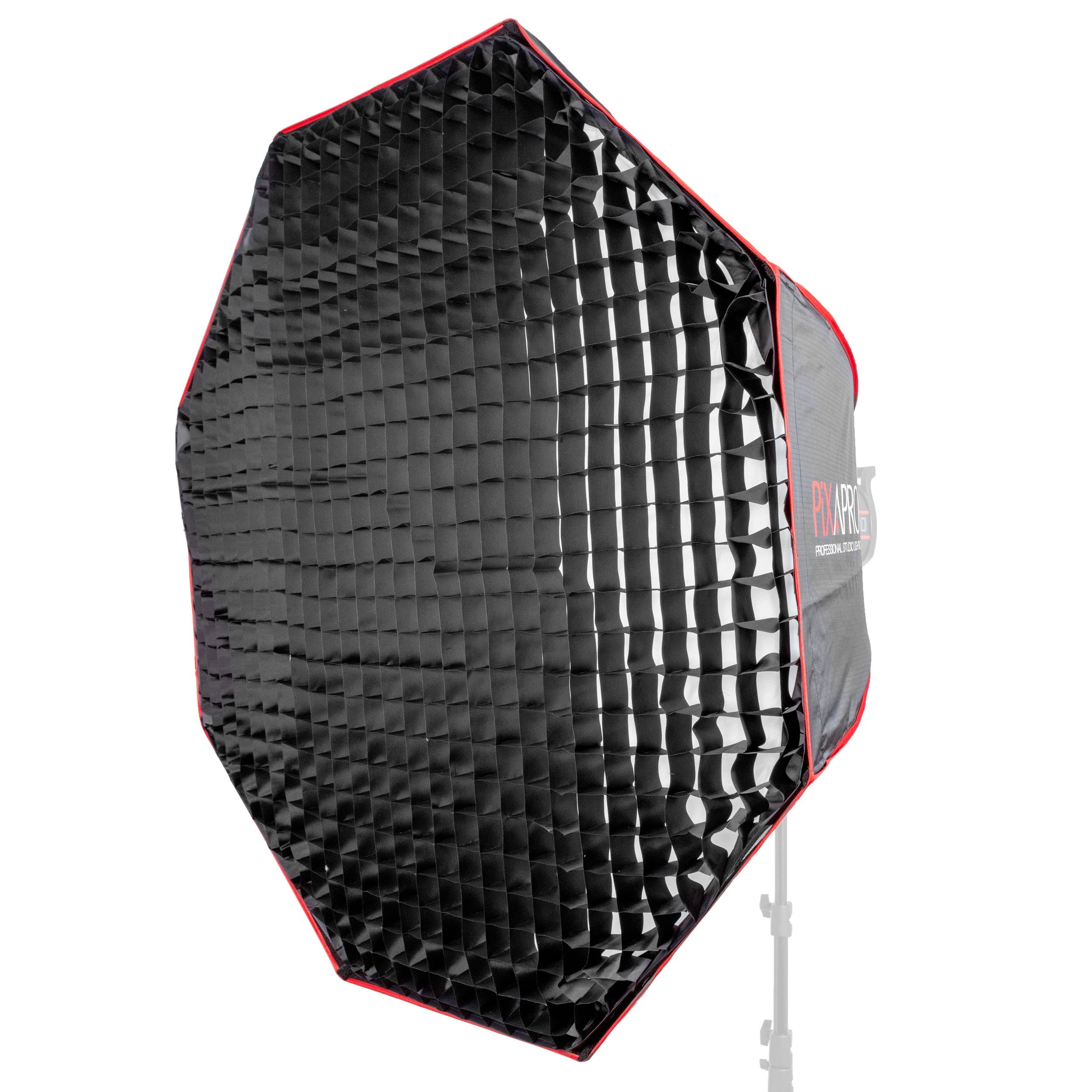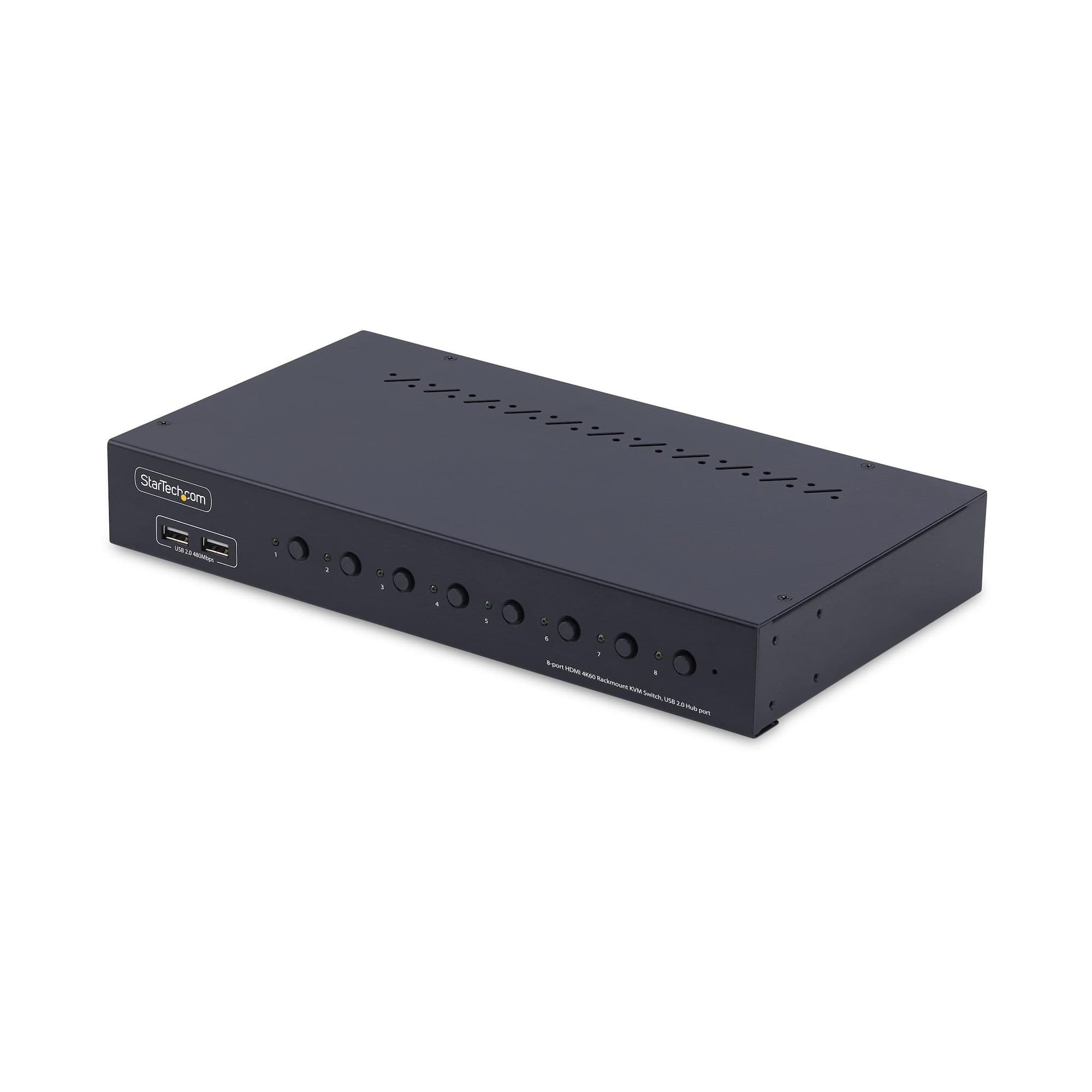
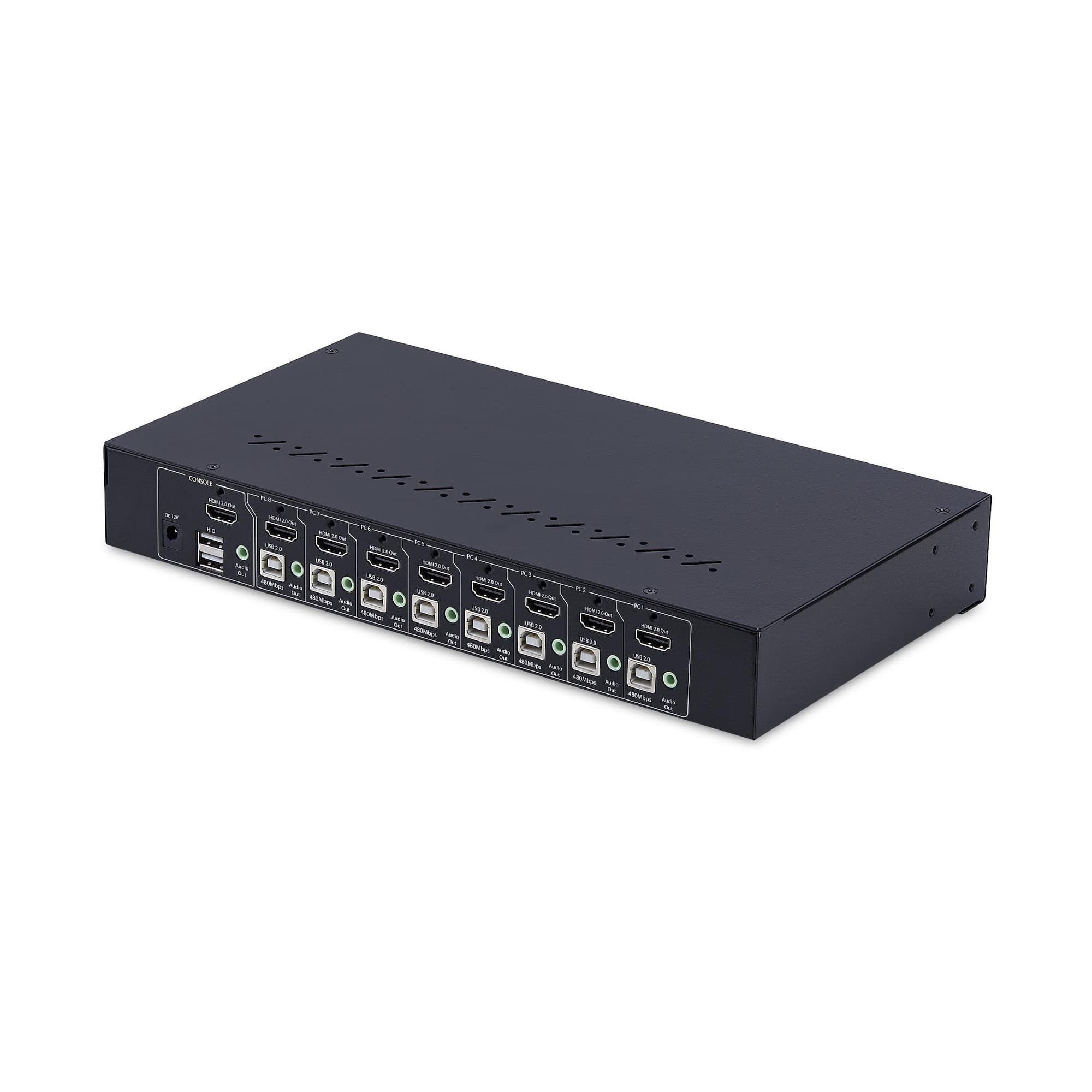
Currently Out of Stock
This product is not available right now
Enter your email and we'll let you know as soon as this product is available again.
With fulfilment centres all over the UK, every order is picked, packed, and on its way fast.
Delivery prompt , haven't tested though Christmas present but overall experience good have bought from before and product was excellent value
 Samsung Galaxy A57 5G 8GB RAM 128GB - Awesome LilacNew
Great products with fast delivery Ordered a tablet as a Christmas present Great prices and prompt delivery.
 Samsung Galaxy Tab S10 Lite 10.9-inch Wi-Fi 6GB RAM 128GB - GreyNew
Delivery very quick (next day) Price was cheaper than everywhere I looked Product new, sealed and is working perfectly
 Samsung Galaxy S26 Ultra 512GB - Pink GoldNew
Best price online for the Samsung product I wanted. Fast delivery, well packaged A+++ retailer
 Samsung Galaxy Tab A11 8.7-inch 64GB LTE - GreyNew
My order was delivered extremely quickly, packaged securely and in perfect condition, ordering was quick and easy. Will definitely use again
 OM System Tough TG-7 4K Digital Camera - RedNew
Rapid delivery and good price. They were the best price for what I was after, the delivery was quicker than expected.
 Ubiquiti U7 Long Range 7.3 Gbps Ceiling Mount WiFi 7 Access PointNew · + 1 more item
My order was handled well. Quick delivery. Well packaged. Kept informed regarding delivery times. Item works perfectly. Would recommend this firm.
 Dell Pro Dock WD25 USB-C Docking StationNew
Excellent! Fast delivery, cheaper product than anywhere else. Will definitely use A1 Tech again. Highly recommended.
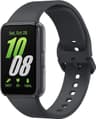 Samsung Galaxy Fit3 Fitness Tracker GreyNew
Brilliant service. Phone arrived the day after purchasing. Looks like new. Not a mark on it and battery says 100% in settings. Great saving, doubt I will buy “brand new” ever again. Very happy customer.
 Apple iPhone 17 Pro 256GB Cosmic OrangeRefurbished · Excellent
Great customer service. Phone was a very good price and delivered promptly and in perfect condition.
 Samsung Galaxy Z Fold8 5G 1TB Foldable Smartphone - GraphiteNew
I was worried as the phone was so cheap, but it arrived in an unopened box and is brand new! Would recommend
 Samsung Galaxy A56 5G 256GB 8GB RAM - Awesome OliveNew · + 1 more item
The iPhone 17 arrived on time and although not new it is really spotless and saved me some money from buying elsewhere it will probably be my last ever phone purchase as I am a pensioner
 Apple iPhone 17 256GB Mist BlueNew